See the new bay before the filing shows up.
A quarterly change list for the substations you don't operate: new bays, transformer additions and yard construction, read from imagery alone.
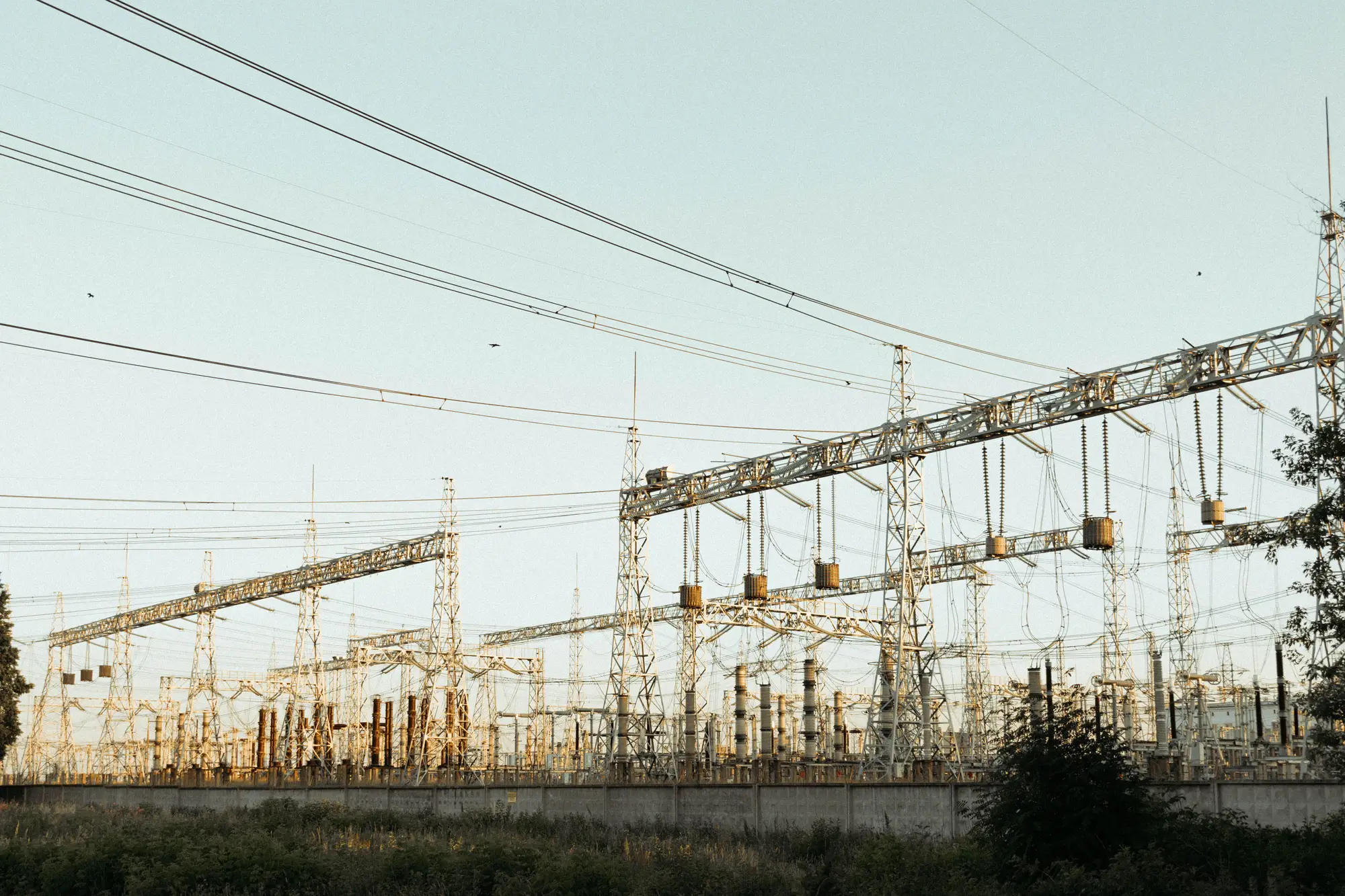
Previous pass
Current pass
How you find out about someone else's substation
You keep a watch list of substations owned by other utilities, and a few of your own that a field crew may have touched. The list is a spreadsheet. For each site there is a name, a voltage, and a note about what was last known to be in the yard.
What moves the notes forward is paper. An interconnection queue entry lands. A neighboring utility mentions an expansion at a coordination call. Somebody in the regional planning group says a project is "in construction." You match the project name to a substation, update the row, and carry the change into the next case refresh.
It works when the work was filed, filed on time, and filed under a name you can match. It fails on the rest. A bay added under a maintenance budget may never reach a queue. A project renamed halfway through takes a quarter to reconcile. A site that a field crew extended without telling planning stays as it was in the spreadsheet. The one reliable way to find any of this is to send somebody to look, and nobody drives to a substation across the state to check on a spreadsheet row.
So the gap surfaces late, usually in a review, when a reviewer holds up the case and asks why a transformer bank that is plainly in the yard isn't in your assumptions.
Grid Change Monitor gives the watch list an eye. Each quarter a new pass over every site on it, cloud permitting, is compared with the last one, and you get a list of what is new in the yard.
What arrives each quarter
Every delivery covers the site list you agreed at the start of the pilot, and each site is compared with its own previous pass.
2.1Spreadsheet
Per-site change list
One entry per site: the two pass dates, and what is new since the earlier one. Sites with nothing new are listed too, so a blank row means "checked, no change" and never "missed." It lands beside your watch list and is meant to be read against your queue export.
2.2Marked imagery
New bay and transformer flags
Where a new bay or an added transformer bank is visible in the yard, the entry flags it and marks its position on the current pass image. Equipment swapped inside an existing bay is out of scope.
2.3GIS layer
Yard construction footprint
Where new ground has been broken or a yard is being extended, the outline of the changed area, so a planner can see whether it reads as a brownfield extension or a greenfield start.
2.4Schedule
Quarterly delivery for a defined site list
Passes run each quarter over the same list. Adding a site to the list starts it on the next pass; there is no earlier comparison for it until it has two passes.
How it works
List your sites
Send the substations you want watched, by name and coordinates or by your own asset ID. That is the whole input.
Quarterly pass
A very-high-resolution satellite or aerial pass is collected over each yard in the quarter.
Compare pass to pass
Each yard's footprint is compared with the last pass, and differences are marked.
Change list per site
The list is delivered per site, quarterly, with the pass dates on each entry so you know which images it came from.
Where it fits your workflow
Read the change list against your own interconnection queue. A change in the yard with a matching queue entry confirms the schedule. A change with no entry is either lag in the filing or work nobody filed, and both are worth a phone call before the next case refresh.
Limits
These are the ways a change list can mislead you. Each is stated on every delivery too.
Yard-visible only
Imagery shows what sits in the open yard. It cannot see inside enclosed switchgear buildings, underground work, or anything a roof hides. Ratings, ownership and energization date are not in a picture.
Quarterly, not a live feed
Passes come once a quarter. Something built and finished between two passes appears on the second one. Nothing here arrives between passes.
Cloud can delay a site
A quarter with no clear pass over a site delays that site's change list to the next clear one. The entry says so; it does not guess.
0.5 m is the floor
At a ground sample distance of 0.5 m, a bay or a transformer bank is many pixels across and shows clearly. Fittings, insulators and conductors within a bay do not resolve, so equipment swaps inside an existing bay are not flagged.
Footprint change only
The list says what changed in the yard. It does not say who owns the site, or which filing the work belongs to. Matching the two is your analysis.
Who it's for
- Transmission planning analysts who watch other utilities' substations, or their own, and want to know about capacity build-out before the paperwork arrives.
- Planning groups that refresh study cases on a schedule and want the yard checked before each refresh.
- Teams following security-relevant activity at sites they can't visit.
Who it's not for
- Teams that need live or continuous alerts. Passes are quarterly.
- Teams that need equipment ratings, ownership records or filing status. Those come from your own records.
- Inspection of enclosed switchgear, protection settings or condition of equipment. Imagery of the yard cannot show them.
- Single-site engineering surveys, which a drone or a site visit will do better.
Questions from planning and procurement
Can this see inside enclosed switchgear?
No. It sees the yard: bays, transformer banks and construction visible from above. Indoor gear and underground work are outside what imagery can show.
What happens if a site is cloudy that quarter?
That site's pass is delayed to the next clear one, and its entry on the list says so.
Do you tell us who owns a site or which filing it belongs to?
No. The list reports footprint change only. Matching a change to an owner or an interconnection request is done on your side, against your own records.
How fine a change counts?
Bay-scale additions, added transformer banks and visible yard construction. Equipment swaps inside an existing bay do not show.
Is this continuous monitoring?
No. It is a pass per quarter, not a feed.
How do we check it against what we know?
Pick a few sites where you already know what was built and when, and compare the entries with the pass dates. If you tell us which sites are known, they can be included at the start of the pilot.
How does it fit our queue and case data?
The change list is a spreadsheet keyed to the site name or asset ID you supplied, so it can be sorted alongside your queue export. Tell us the ID scheme you use when you send the list.
Who owns the imagery and the lists?
Terms for the delivered lists and any imagery are set out in the contract before the pilot starts.
How is it priced?
A pilot is scoped for your site list and quoted for that. You get a written scope you can take through procurement.
Add your site list.
Send the substations you're watching and we'll scope a pilot around them.
Start a pilot